Converting a Server to Code-First
Remoting SDK provides an easy option to convert your existing RODL-based server to the Code-First model introduced by version 9. For this purpose, the "Tools|Remoting SDK and Data Abstract" menu has gained a new option, visible only if the current project contains a RODL file.
Simply invoke this “Convert to Code-First Server” option to start the conversion:
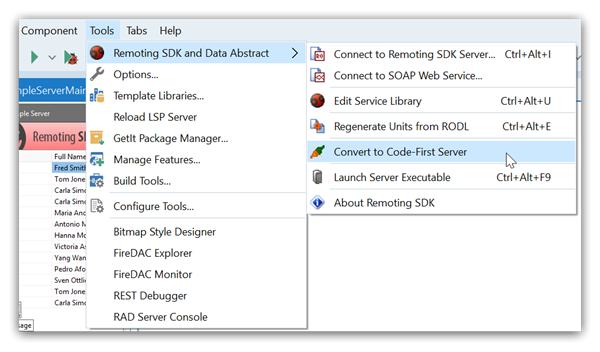
When you do, Remoting SDK will do two things:
-
It will generate a new code file, named after the RODL file, but with a
_RodlTypessuffix. This file will contain all auxiliary types from your RODL – in essence it will be the same as the previous_Intffile, but without all the extra clutter. -
It will remove the
.RODLfile, as well as the_Intf,_Invkand_Eventsor_Asyncfiles from the project. These files are no longer needed by the Code-First server; they are not deleted, but moved into a__Backupsubfolder, in case you ever want to refer back to them.
Remoting SDK confirms once the conversion has completed:
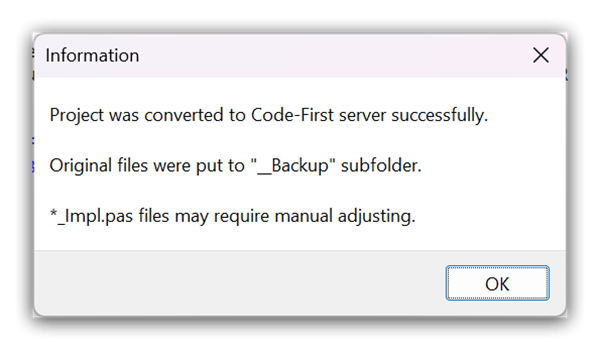
Once done, you can rename the _RodlTypes file to anything you like, or even move the types in it around into different source files (for example into the same file as their related service) as you see fit for the structure of your projects. These are now “your” types. If you need to make changes to them for new versions of your server, you simply change them in code.
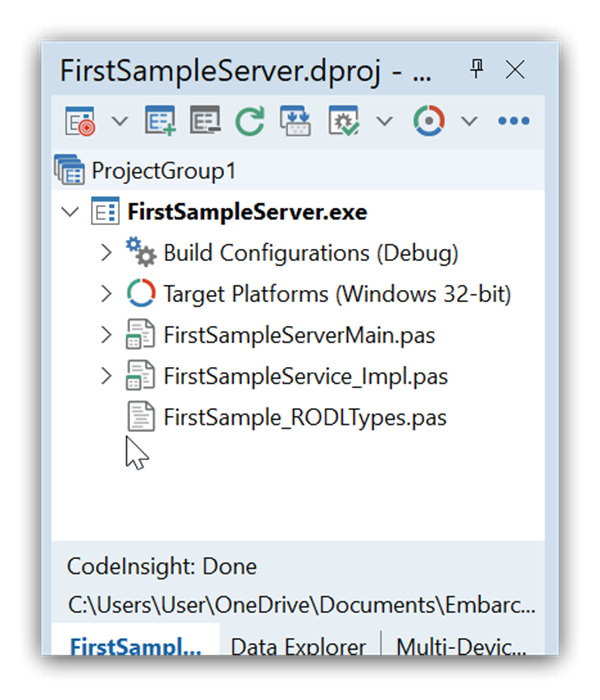
With that conversion done, you will still need to manually adjust the service implementations themselves, as discussed in the Converting to Code-First topic.